
Table of Contents
Warm welcome for the undecided
The right all-in-one should feel purposeful the moment you touch it: a screen that breathes color, a chassis that sits without fuss, and a setup that doesn’t demand a manual. If you’re learning where to start, focus on how the machine fits your daily rhythm—whether crisp color for photos or quiet fans for late-night edits. While you shop, it’s worth scanning current all in one computer deals so you know which configurations are realistic for your budget and workflow.
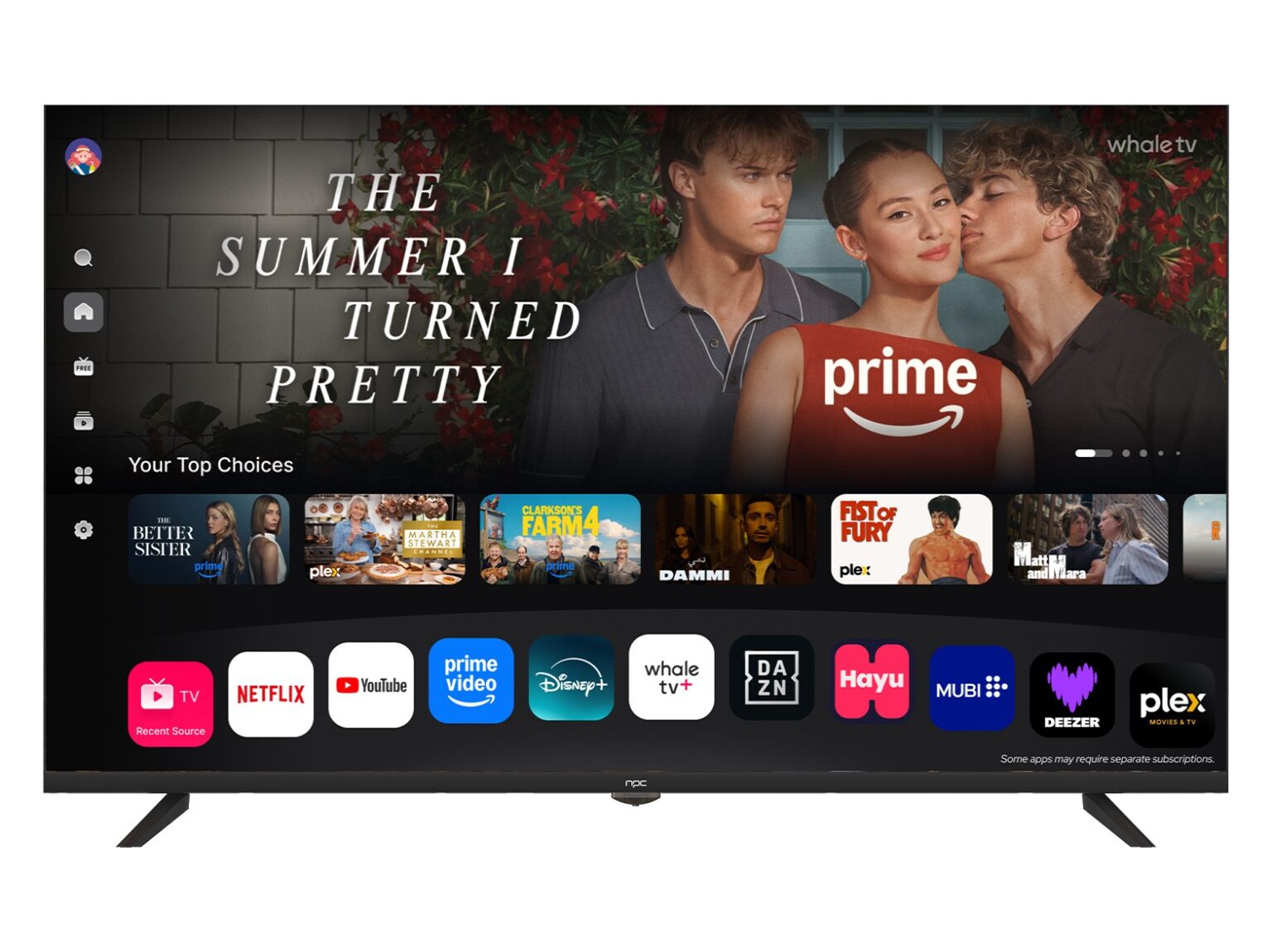
What you should check first — tactile and visible priorities
Touch the keyboard. Watch the screen. Listen to the power-on. Prioritize these tangible signals: panel type (IPS or OLED for wide viewing and punchy contrast), resolution (at least 1080p for general use, 4K for creative work), and brightness (300 nits feels lively in daylight). Note how the hinge moves and whether the base wobbles when you nudge it—stability matters more than fancy specs for daily comfort.
Real-world sourcing insight and trust
I’ve evaluated procurement runs and negotiated component bundles while working with teams near Shenzhen’s manufacturing hub, which shaped my practical sense of what matters and what doesn’t. That hands-on sourcing experience shows that mainstream all-in-one designs tend to trade internal expandability for a slimmer silhouette. If you need a sturdy balance of performance and serviceability, look at mid-range SKUs labeled for professional use and read supply notes about upgrades for RAM and storage—those details often distinguish a durable buy from a fashion piece. For a quick reference to standard form factors and offerings, consider researching options under all in one system computer.

Common mistakes new buyers make
Choosing the highest CPU number without checking thermals. Ignoring port count until the day you need USB-A. Picking ultrahigh resolution and then running everything at scaling that blurs text. Don’t trust glossy marketing claims—verify whether the RAM is soldered and whether the SSD is user-swappable. Ask if the warranty covers on-site repairs, not just mail-in service. These checks cut surprises down to size.
Brand comparisons that matter to real users
Big names often deliver polished software and widespread support; niche makers tend to pack value and custom options. For steady office work, prioritize reliability and warranty reach. For photo, video, or design, weight the color accuracy and GPU options more heavily. Read recent user reports about thermal throttling and drive failures rather than relying on single review scores. Match the brand’s support philosophy to how you work: quick swaps for busy households, long-term parts availability for freelancers who upgrade over time.
When to pick an all-in-one and when to pivot
Choose an all-in-one when desk space, aesthetics, and minimal cable clutter are higher priorities than internal upgrades. Pick a mini PC or a small desktop box if you want modularity and easier repairs. Opt for a laptop when mobility matters; choose a discrete monitor plus a compact desktop when you want the best of both worlds. Each path has trade-offs—decide which trade-offs you can accept without regret.
Final tasting: what to bring home
Start by listing your daily tasks, then score candidates by screen comfort, quiet operation, and realistic upgrade paths. Trust the machines that feel deliberate—no rattles, clear ports, straightforward warranty terms. If you prefer curated options with visible build notes and supply transparency, the sourcing and configuration choices available through npc often make matching a system to your routine simpler and less risky.
